
Campaign Operations

Upload. Configure. Launch.

Bring your leads in, choose the inboxes that will send, attach your sequence and set the schedule. One workflow, start to finish, in the same place your inboxes and sequences already live.

Get Early Access
Campaign
Q3 outbound · agenciesDraft · not sending yet
Step 4 of 4
agency-list-q3.csv · 1,200 contacts
4 connected inboxes
Agency outreach · 3 steps
Mon–Fri · 9:00–17:00
Launch campaignEverything this campaign needs is set
Ready to sendChecked before launch
LeadsInboxesSequenceSchedule
Sending starts on the next window in your schedule.

How a campaign comes together

Four things to set and one button. Nothing here needs a second tool or an implementation project.

Import leads.csv, .xlsx or .xls
Imported
Dana Whitfielddana@northloop.coNorth Loop
Megan Cartermegan@upliftmedia.comUplift Media
Tom Bradleytom@brightbound.ioBrightbound

01

Upload your leads

Bring the prospect list you already have. Spreadsheet exports land as contacts you can send to.
Sending inboxesPick who sends
4 selected
sarah@tamly.aiWarmed · GoogleOn
marc@gettamly.comWarmed · MicrosoftOn
alex@trytamly.comWarming · GoogleOn

02

Choose the inboxes

Assign the connected accounts this campaign should send from. Volume spreads across them.

Attach a sequenceAgency outreach
3 steps
Intro emailDay 0Step 1
Follow-upDay 3Step 2
Last touchDay 8Step 3

03

Attach your sequence

Reuse a sequence you have already written, or build one for this campaign.

Sending scheduleWhen this campaign is allowed to send
Weekdays
Monday – Friday
9:00 – 17:00
Steps wait for the next window rather than sending overnight.

04

Set the schedule

Decide the days and hours your outreach is allowed to go out. Every step in the sequence follows it, so nothing lands at three in the morning.

Active campaignsMonitored from the same dashboard
Sending
Q3 outbound · agencies4 inboxes · 1,200 contactsSending
Agency push · warm leads3 inboxes · 600 contactsSending
Event invite · SaaStr list2 inboxes · 300 contactsScheduled

05

Launch and watch it run

Launch starts the sequence on your schedule. Every campaign you are running stays on one dashboard, so you can see what is sending without opening four tabs.

Your leads, sequences and inboxes in one place

A campaign is only quick to build because the pieces are already there. The list you uploaded, the sequence you wrote and the accounts you connected all live in the same platform, so setting one up is choosing between things you already have.

That is the difference between configuring a campaign and assembling one out of three separate tools.

See how sequences are built
Leads
agency-list-q3.csv1,200 contacts · ready for a campaign
Imported
ContactCompanyStatus
Dana WhitfieldNorth LoopQueued
Megan CarterUplift MediaQueued
Tom BradleyBrightboundQueued
Contacts move into the sequence when the campaign launches.

Questions about Campaign Management

What file format do I upload leads in?

Spreadsheet exports · .csv, .xlsx and .xls.

Can I run more than one campaign at a time?

Yes. Campaigns are managed from one dashboard, so several can run side by side.

How long does setup take?

Most campaigns can be configured in one sitting once your inboxes are connected and warmed.

Do my leads and sequences live in the same place?

Yes. Uploaded leads, sequences and connected inboxes are all part of the same campaign workflow.

Outbound should be simpler.

Warm your inboxes, upload your leads, build the sequence, launch. Tamly gives you one place for the core workflow behind outbound email.

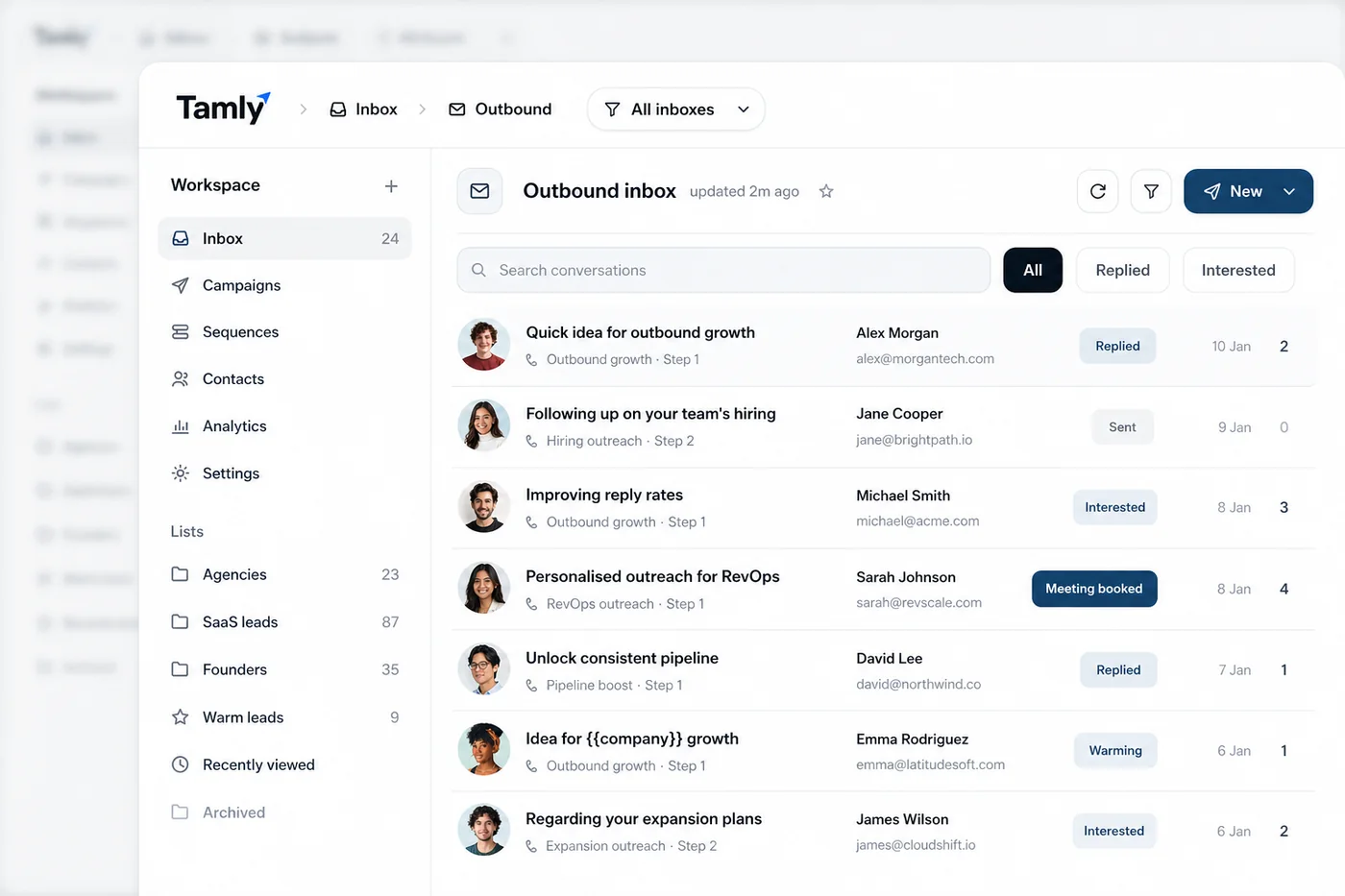
The Tamly outbound inbox, conversations with replied, interested and meeting-booked statuses